How it works
Three Steps to Clarity
See how Work Sync gives young people a more engaging way to explore the world of work, and a pathway from confusion to clarity.
Step 1
Discover
interests in the world of work
See work activities in action
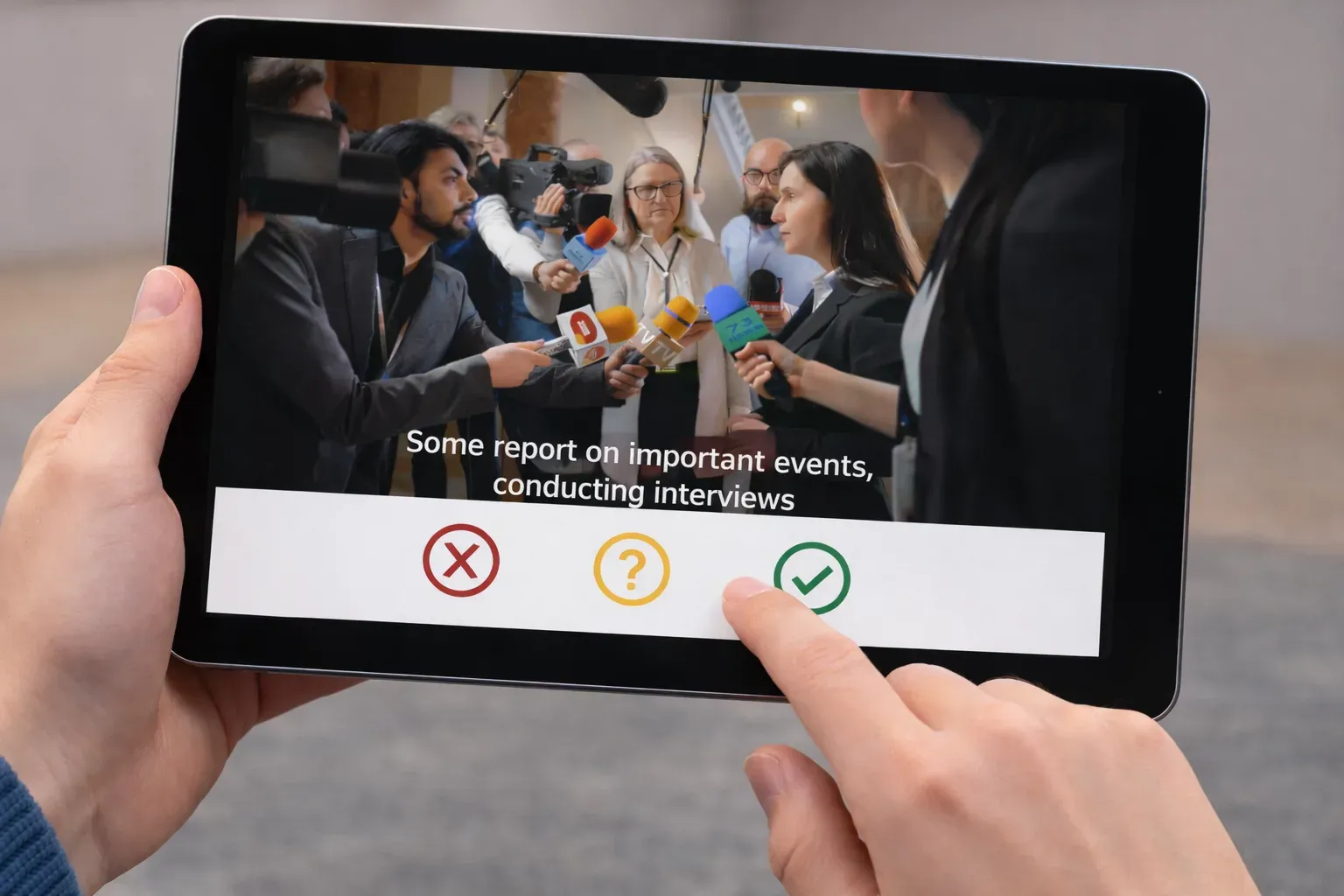
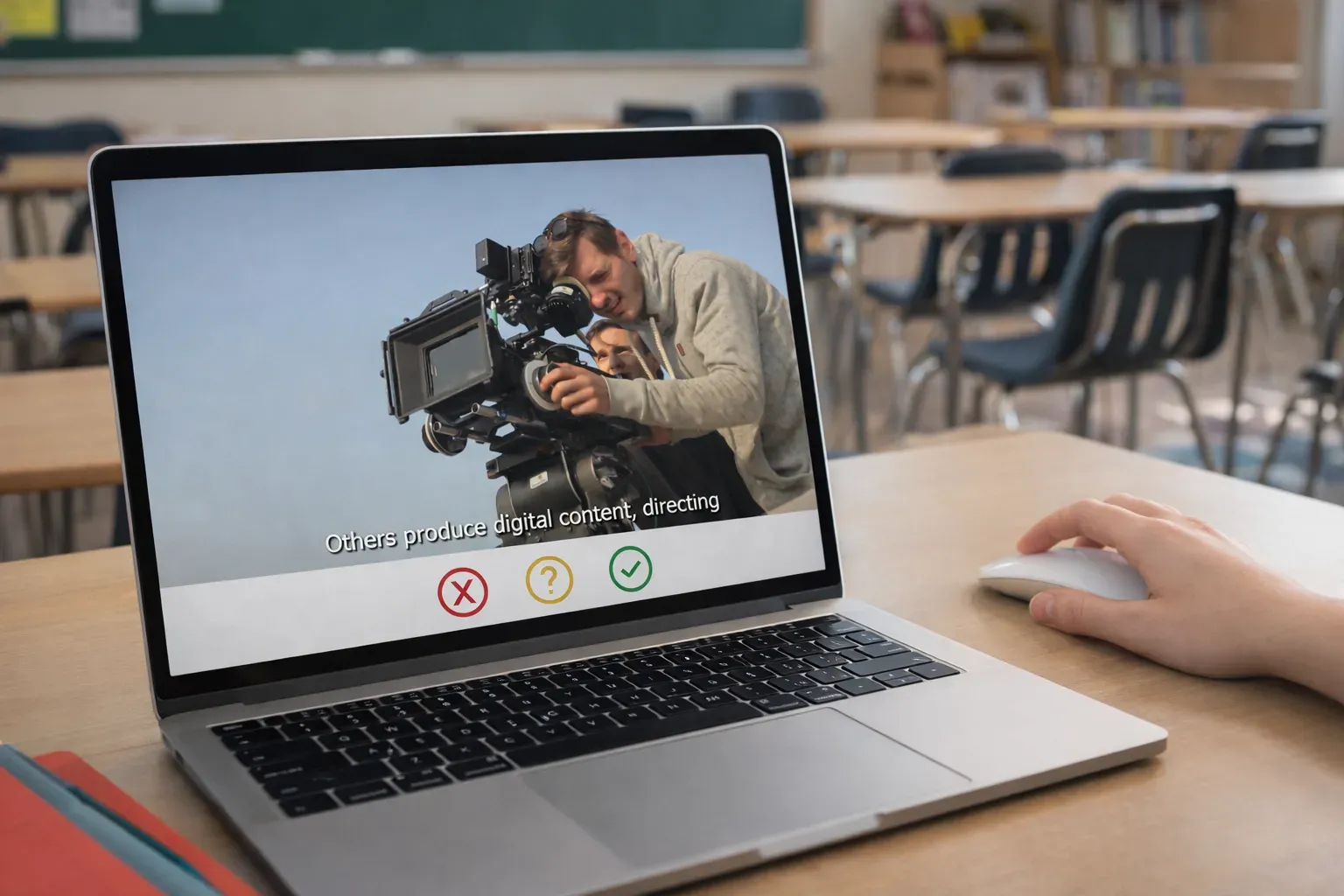
Users watch 24 short video clips, each showing a different set of work activities, bringing varied occupations to life.
Each video is thoughtfully narrated and captioned, making it easy for young people to discover the range of work types available.
At the end of each video, they're asked a simple question about their interest in that type of work, answering with a tap or click - no writing required.
Step 2
Align
work interests with work areas
Making sense of the world of work
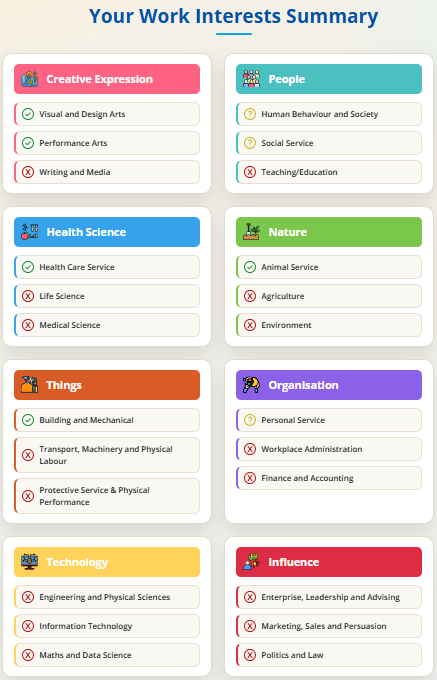
The Work Interest Summary brings each participant's responses together using a comprehensive framework of work themes and work domains.
From this overview, participants can easily see what they might be interested in - and not interested in - exploring in the world of work.
Then we drill down into each work theme, where participants learn more about each work theme and how their own interests in particular work domains can help them identify the kinds of work likely to be energising for them, and the work areas that are less likely to suit.
Align
Step 3
Navigate
from confusion to clarity
From work interests to work options
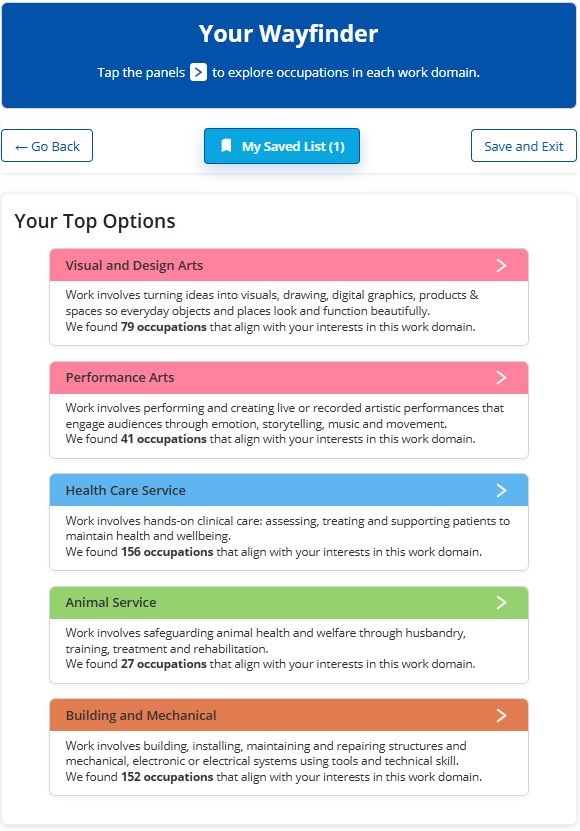
Based on the user's work interests, Work Sync then presents a tailored set of occupations in the Wayfinder.
Making this connection helps participants take the step from "what interests me?" to "where could this take me?", making the experience practical, not just reflective.
The Wayfinder offers a 'Save' option so participants can explore possibilities, narrow their focus, and identify the roles that feel most worth pursuing.
Navigate
See Work Sync in action
Find out how easy it is to create a stronger starting point for clearer, more focused guidance conversations today.